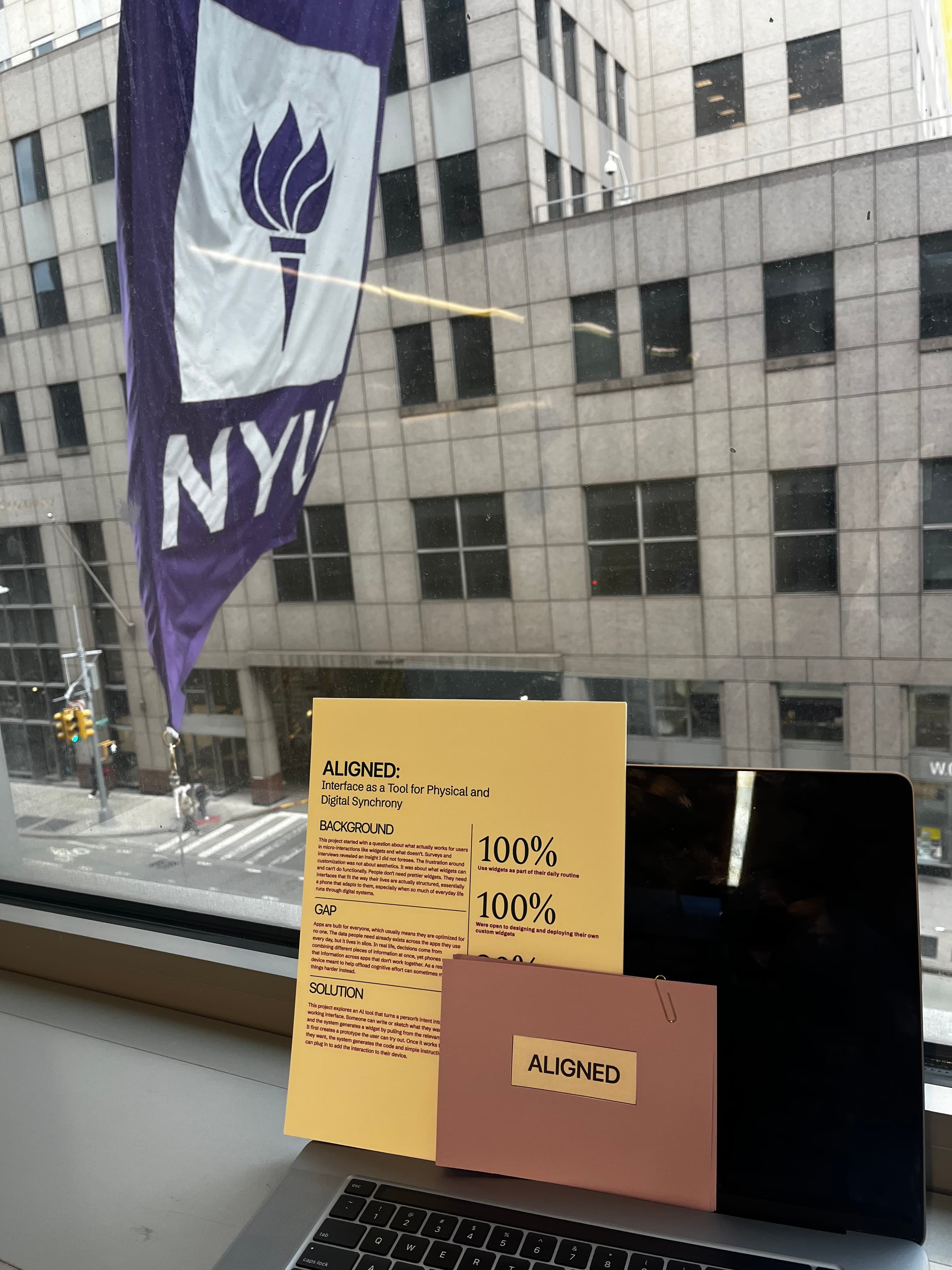
ALIGNED
MY ROLE
Research, System Design, AI Agent Build, Usability Testing (Solo)
TECHNOLOGIES
Figma, Python, AI/ML
TIMELINE
August 2025 – Present
AI AGENT
Interface as a tool for physical and digital synchrony
CONTEXT
A design system that builds your phone around you, not the other way around. ALIGNED surfaces cross-app usage patterns and lets users direct an AI agent to build custom interfaces around their actual habits.
CHALLENGE
Widgets were supposed to close the gap between how phones are built and how people actually live. They didn't — official ones are limited, third-party ones break trust, and both are built by someone other than the person using them.
SOLUTION
A three-stage system — Identify, Collaborate, Implement — where the user's own usage data surfaces the pattern, they direct an AI agent to prototype an interface around it, and they decide what actually ships to their phone.
The Problem
Phones are built around apps, not the people using them. The data you need lives across apps in silos — a timer doesn't know the bus schedule, a calendar doesn't know the kiln is almost done — leaving you to do the mental work of connecting it all day.
Widgets were meant to close that gap. They didn't. Official ones are limited and depend on a company building them; third-party ones break consistency and trust. Both share one flaw: they're built by someone other than the person using them.
“The core frustration is functional mismatch, not aesthetics. People don't need prettier widgets — they need interfaces that fit how their lives are actually structured.”
Problem Statement
How can mobile interfaces move beyond static, app-defined layouts to become adaptive systems that reflect the user's actual habits, context, and intent — without offloading the design to someone who doesn't live their life?
Scoping the Space
Two tracks ran in parallel starting August: a field track — semi-structured interviews, activity-based workshops, and surveys, twelve participants and twenty-four surveyed total — and a literature track scoped across UX-AI/ML, human-AI co-design, cognitive load, and mobile interface constraints, to ground decisions in evidence rather than intuition.
Interviews
How people use quick-access interfaces, and why the gap persists.
Workshops
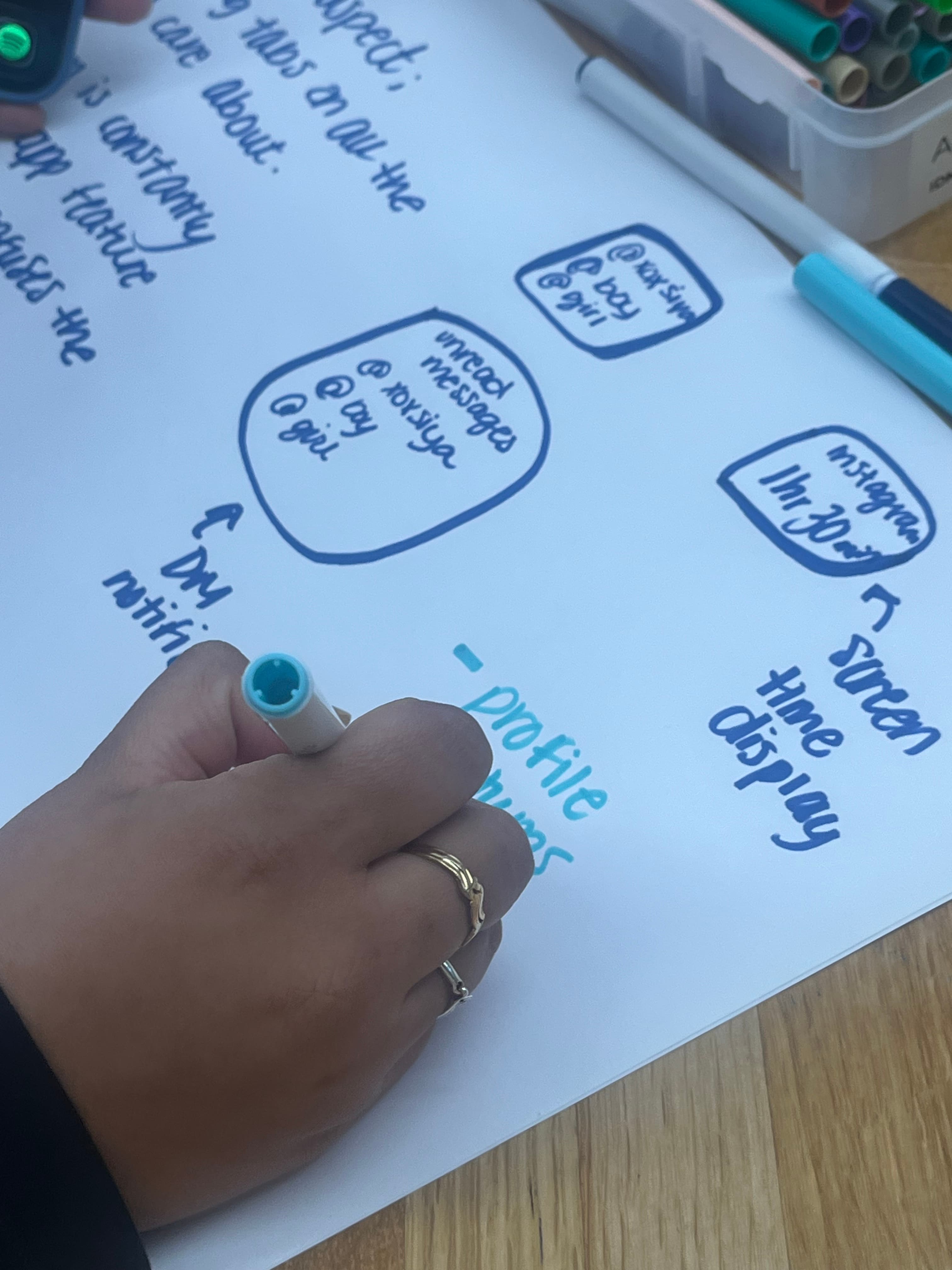
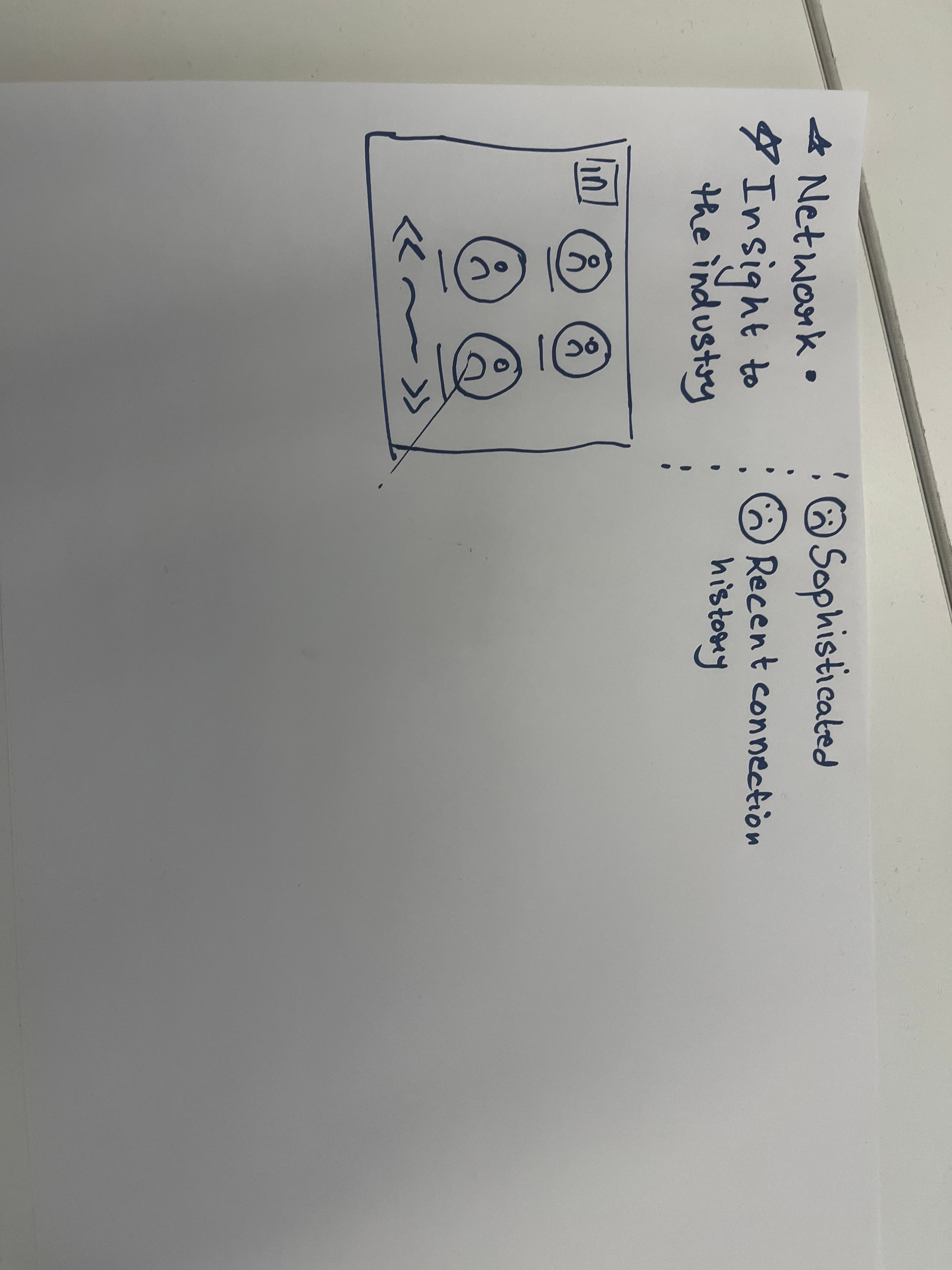
Participants built a widget for a real daily need while thinking aloud.
Surveys
Quantified effort, confidence, and discoverability (n=24).
What I Found
Challenge: functional mismatch, not aesthetics.The frustration is functional mismatch, not aesthetics — and the numbers are decisive.
Underneath the numbers, the qualitative pattern was four problems that form a sequence, not a list — each one feeds the next, and the current system never interrupts the cycle.
01
Fragmented Data
Daily needs span apps that don't talk to each other.
02
Generic Widgets
Official and third-party options don't match actual habits.
03
Low Discoverability
Better options exist inside the phone but go unnoticed.
04
Silent Adaptation
Users settle for an off-target result and absorb the cost mentally.
↺ cycle repeats — nothing in the current system interrupts it
“Users weren't passive in their frustration — they adapted around the limits and carried the coordination cost mentally. ALIGNED isn't introducing a need. It's meeting one they'd already been absorbing.”
The System
ALIGNED interrupts the cycle at the start. Instead of “pick a widget from this library,” it asks: where is your setup costing you effort, and what could a custom interface do instead?
Identify
Surface the pattern
The user's own usage data reveals cross-app patterns worth consolidating. Nothing is sensed passively.
Collaborate
Direct the agent
Sketch, describe, or screenshot — the AI agent generates an interface built around actual habits, not a template.
Implement
Choose what ships
Nothing is added without a deliberate choice. What's built is saved and maintained as habits evolve.
✓ cycle interrupted — the user decides, at every stage
System Architecture
The part doing the actual work is the pipeline between a user's input and a shippable interface: a desktop-hosted AI agent that turns identified patterns and raw input into implementation-ready front-end code.
Input Layer
Multi-modal Input
Sketch, text description, or screenshot — whichever fits how the user thinks about the interface.
Processing Layer
Pattern Engine
Cross-app usage data is parsed into consolidatable patterns, run alongside the input.
Generation Layer
AI Agent
Interprets input + patterns, generates a visual prototype in Figma for the user to review.
Output Layer
Code Export
Approved design is translated into implementation-ready front-end code, saved and versioned locally on the agent's host machine.
Role of AI
Collaborator, not decision-maker. It enters at exactly two points: generating a visual prototype from usage patterns and input, and translating the approved design into code. Everything else — what counts as a meaningful pattern, what the interface should look like, whether it ships — stays with the user.
What I Built
Mockups and prototyping in Figma across four input modalities, plus a working AI agent — running locally on desktop — that turns identified patterns and user input into interface prototypes and implementation-ready front-end code.
Tech Stack
Figma for prototyping and the generation target, Python for the agent backend, and an AI/ML layer for pattern interpretation and generation — all running locally on the agent's host machine.
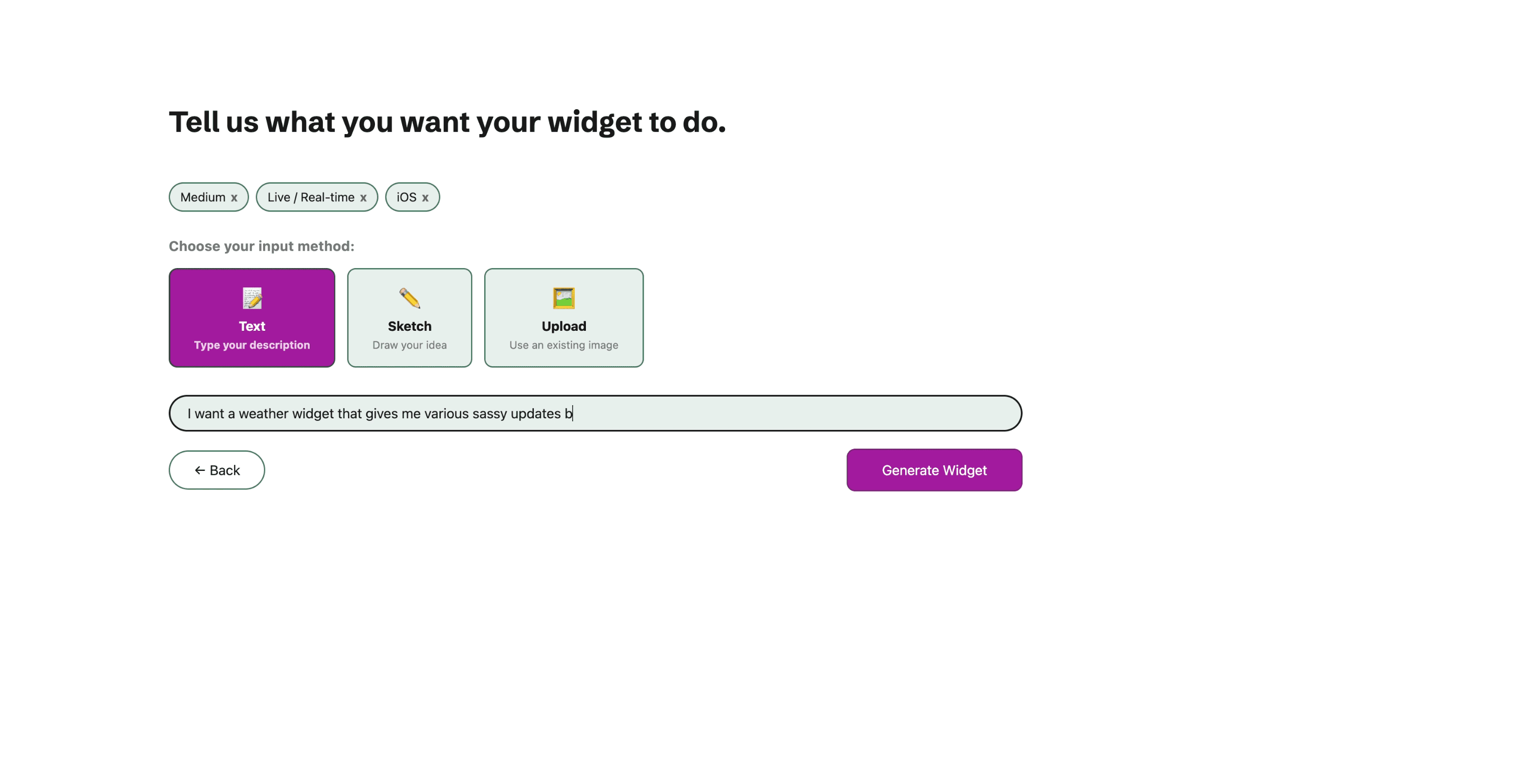
Four ways to tell the agent what you want — text + sketch combined tested strongest.
See It in Action
A walkthrough of the working build: the Identify onboarding questions, then directing the agent on the Collaborate screen.
Testing & What's Next
Phase 2 sessions ran. Three findings landed.
Input Modality
80%+ (9 of 11) preferred combining text + sketch when directing the agent. The more telling signal is which mode people reach for first, revealing their default mental model.
Identification Accuracy
Recognition was consistently high — people aren't surprised by descriptions of their own behavior, they're surprised by features they didn't know existed. The open question is the jump from recognizing a pattern to acting on it.
Implementation
A split. Some moved through smoothly; others stalled, not because the output was wrong but because committing to a layout change carries weight a prototype doesn't. Points toward a low-stakes “trial placement” option.
Next
Move data processing on-device so identification works automatically while keeping privacy intact.
Build a real (non–Wizard-of-Oz) implementation pipeline.
Test whether an intent-driven co-design framework like ALIGNED generalizes beyond the mobile screen to spatial and physical computing interfaces.
“The claim isn't that AI designs a better phone. It's that a system surfacing what you already know about your own life — then helping you act on it — makes the phone fit the person, without asking the person to become someone else to use it.”